
Kantor

Sheets, Docs and Slides that open your Office files

Kantor is a small, fast office app for Mac and Linux. Open a Word document, an Excel sheet or a PowerPoint deck, edit it, and save it back in the same format. It works offline and needs no account.

  • Free and open source
  • About 55 MB
  • Mac and Linux

Early preview: Kantor is new and some things are still missing. Read the list before you rely on it for important work.

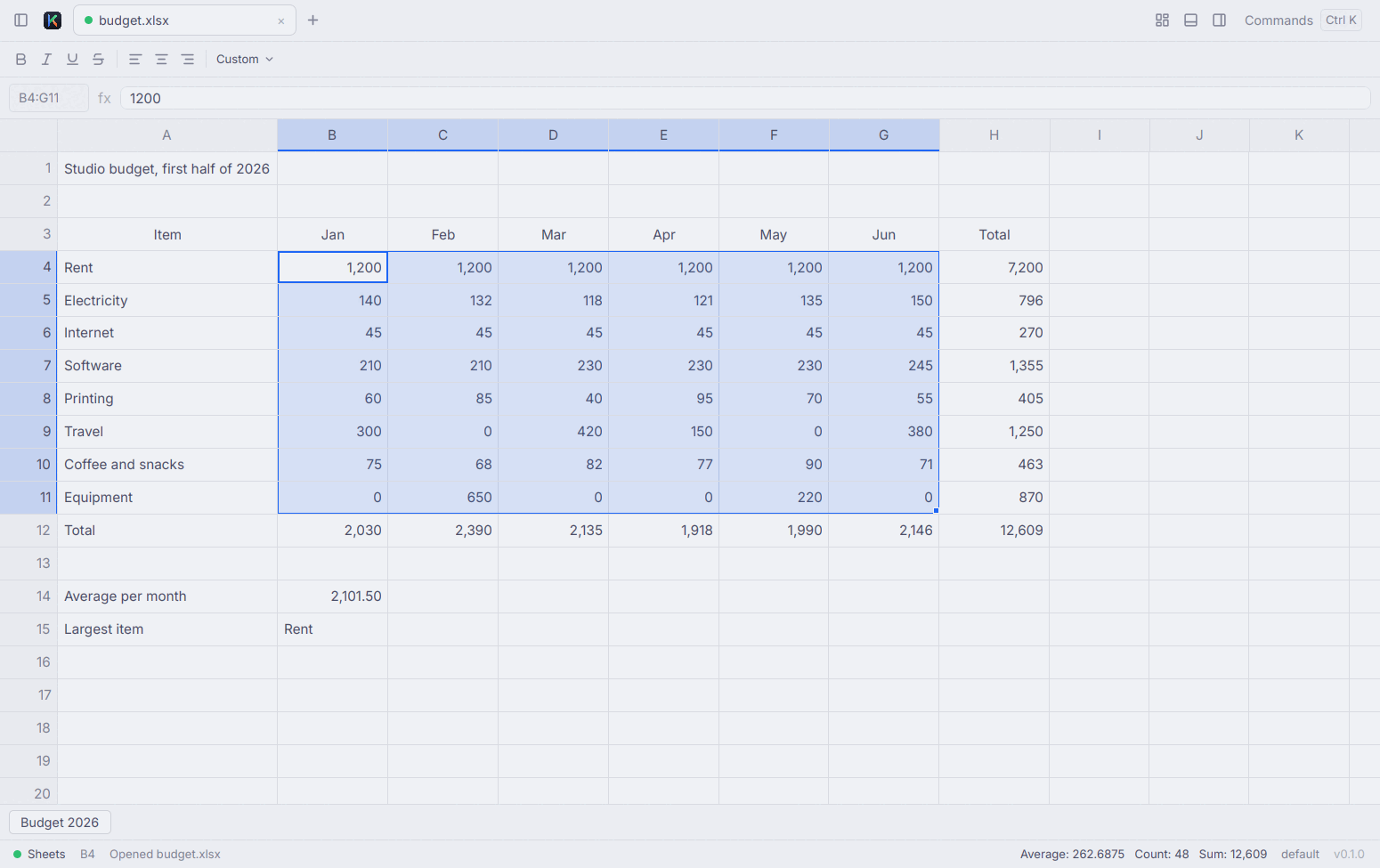
Kantor Sheets with a six-month budget open. A block of cells is selected and the status bar shows their sum, average and count.

A budget in Sheets. Select cells and their sum, average and count appear at the bottom.

Real screenshots of Kantor on Linux. It follows your system's light or dark look.

Made for the files you already have

  • Sheets

    .xlsx .csv .ods .xls

    Spreadsheets with formulas, several sheets and number formats. Opens .csv, .ods and .xls files too, and saves as .xlsx.

  • Docs

    .docx

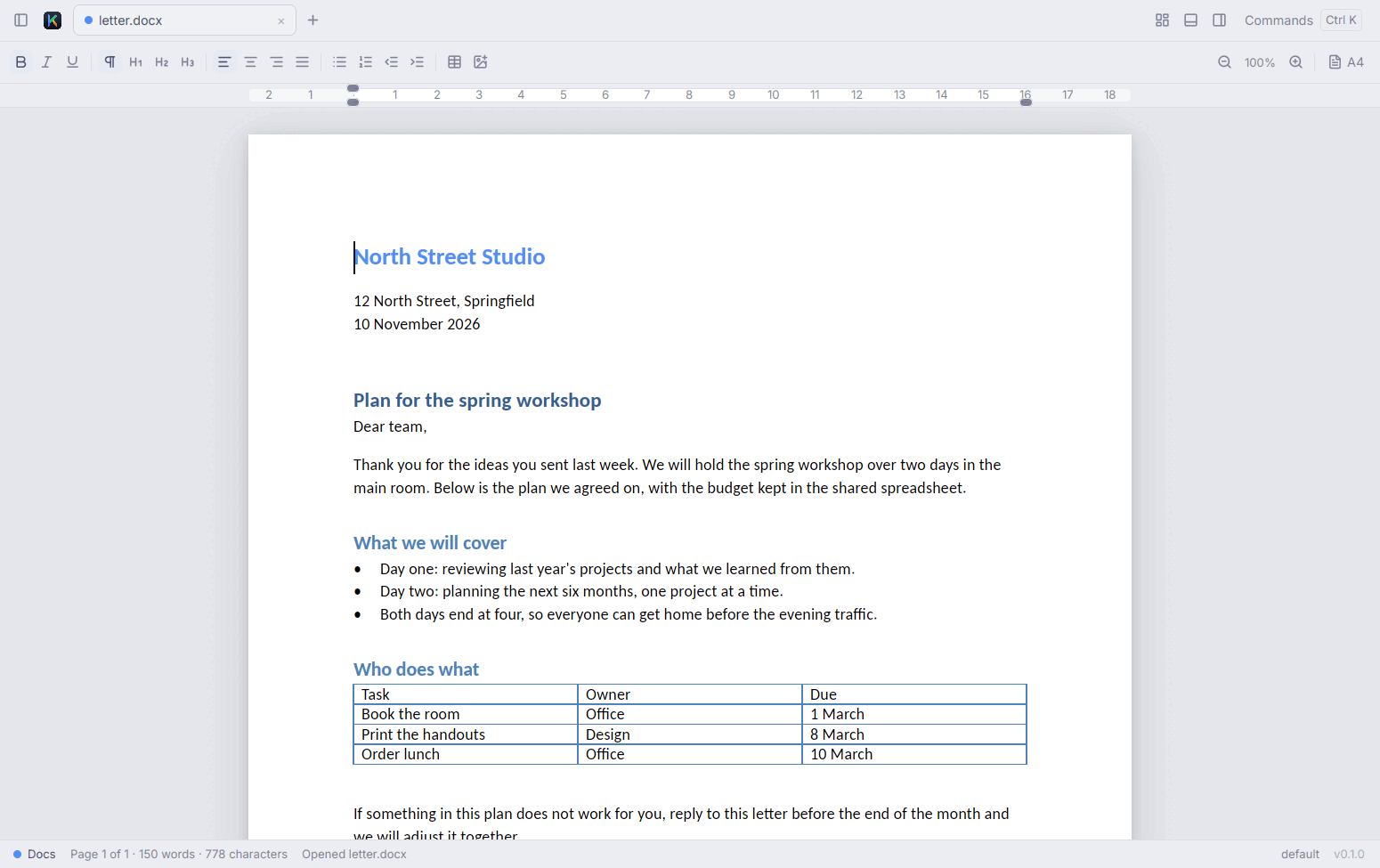
    Letters and reports with headings, lists, tables, pictures and page sizes such as A4, Letter and F4. Find and replace, and a word count.

  • Slides

    .pptx

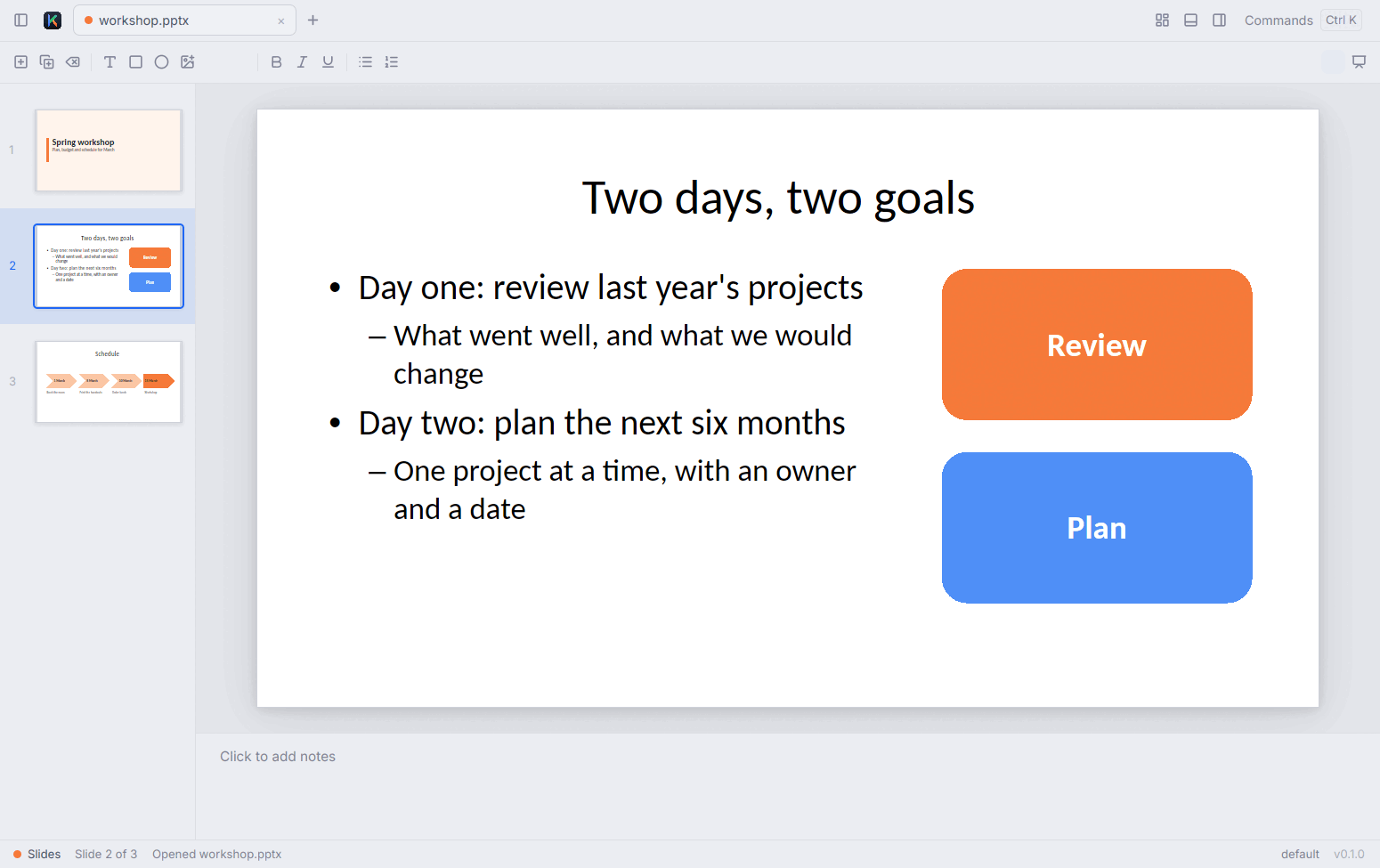
    Presentations with text, shapes and pictures you can move and resize, speaker notes, and a full-screen slide show.

Saving doesn't throw away what Kantor can't show yet

If a file holds something Kantor doesn't understand yet, such as a Word header or an Excel comment, Kantor leaves it as it was and writes it back when you save. When it can't do that safely, it saves to a new file or tells you what will be left out.

Export to PDF
Docs and Slides save a PDF that looks like what you see on screen.
Offline, no account
Your files stay on your computer. There is nothing to sign up for.
AI only if you want it
Off until you turn it on. Use your own key from a provider such as Anthropic, OpenAI or Google, or run a model on your own computer with Ollama. Kantor has no AI service of its own.
AI assistants can edit open files
Assistants such as Claude can read and change the documents you have open, while you watch. Each change is one step you can undo. This uses MCP; the setup is in the README.

Download Kantor

Free, with no account and no trial period.

Mac

macOS 11 or later, Apple Silicon or Intel

Download Kantor.dmg
  1. Open Kantor.dmg from your Downloads folder.
  2. Drag Kantor into the Applications folder.
  3. Open Kantor from Applications or Launchpad. It's signed and notarised by Apple, so it opens like any other app.

Linux

64-bit Linux. One file, nothing else to install.

  1. Download the file for your computer. If you're not sure, it's almost always the first one.
  2. Allow it to run: right-click the file, choose Properties and turn on Allow executing file as program. The wording differs a little between file managers.
  3. Double-click the file to open Kantor.

Prefer the terminal?

This command installs Kantor in ~/.local/bin and adds it to your app menu. It picks the right file for your computer and installs the nightly build, made from the newest code and tested less than a release.

curl -fsSL https://raw.githubusercontent.com/dzulfikar08/kantor/main/scripts/install.sh | sh

Windows

Not available yet. Kantor runs on Mac and Linux for now.

What's missing in this preview

Kantor is early software and hasn't been tried on a large set of real-world files yet. Keep a copy of anything important, and expect these gaps:

  • No printing yet. Export to PDF and print the PDF instead.
  • No spell check yet.
  • Word: headers, footers, floating pictures, shapes and equations aren't shown properly yet. Kantor keeps them and saves them unchanged.
  • Word: table rows don't break across pages, and tab stops show as a single space.
  • Word files with tracked changes or comments are saved as a new file, so the original stays as it was.
  • Excel: cell colours and borders aren't shown or editable yet (they stay in the file), every row has the same height, and there's no sort or filter.
  • Excel: macros, pivot tables and Excel tables aren't carried over when you save. Kantor tells you when that happens.
  • PowerPoint: tables, charts and SmartArt can't be edited yet, and some SmartArt shows as a plain box.

Found a file that Kantor gets wrong?

Tell us what happened. Attach the file only if it holds nothing private.

Report a problem on GitHub